Back to Blog
Oct 16, 2025
Written by
Michael Ludden
Starting with cto.new is refreshingly simple. This is a basic guide to getting up and running, for those new to the platform. And you can find more info in our docs - we encourage you to check them out.
Sign Up and Connect Your Tools
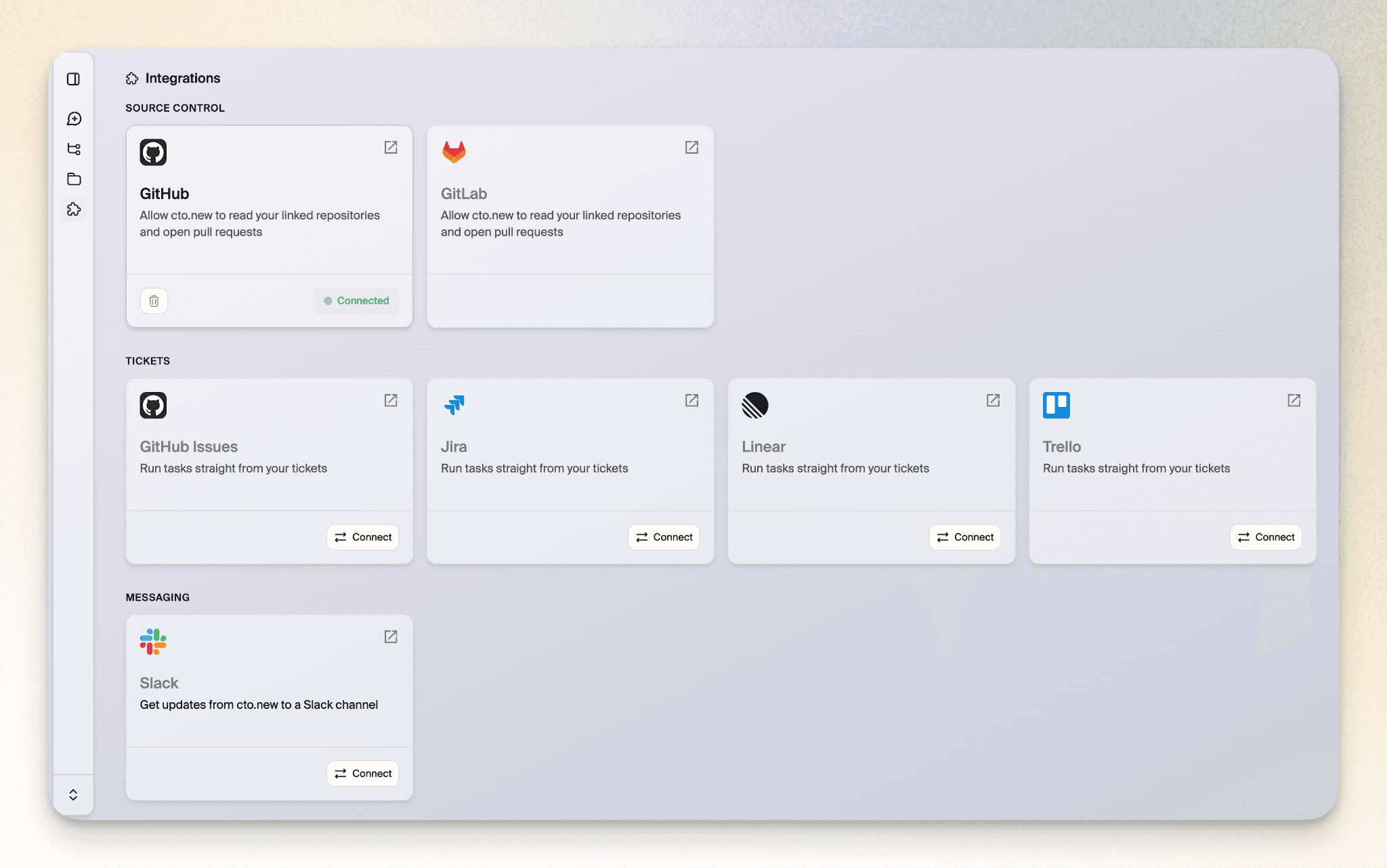
Step one is obviously to head to cto.new and create your free account. The platform integrates seamlessly with your existing development workflow, so you'll want to connect your GitHub or GitLab repositories right away. This gives cto.new the context it needs to understand your codebase and work alongside you effectively.
During setup, you'll also have the option to integrate with project management tools like Linear, Jira, or Trello. These integrations allow cto.new to pull issues directly from your backlog and turn them into merge-ready pull requests.
Configure Your Task Runner
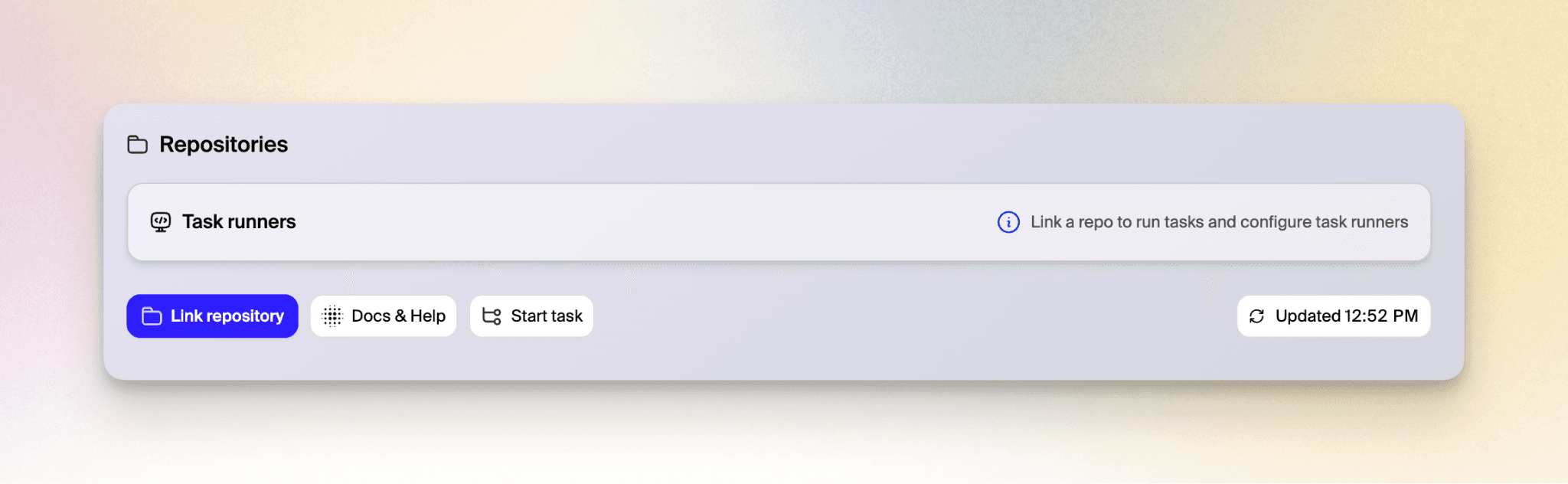
Once your repositories are connected, configure the task runner environment for each repo. Think of this as the virtual workspace where cto.new does its work. You can install dependencies, define code checks, and set up commands for building, testing, linting, and formatting your code.
The good news? cto.new offers a setup agent that can handle most of this configuration automatically. Simply let the agent analyze your project, and it'll set up the appropriate environment based on your tech stack.
Start Your First Chat
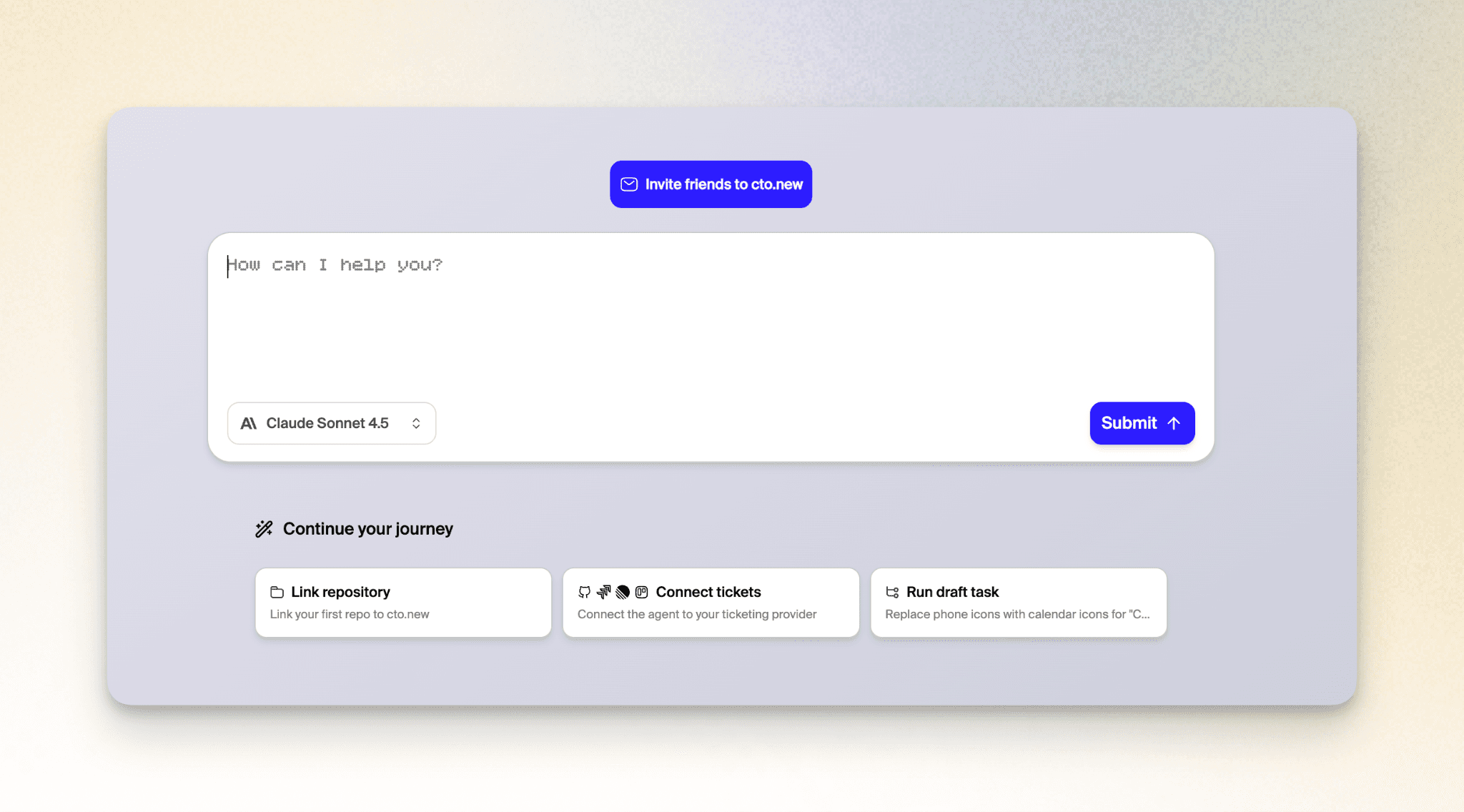
With setup complete, you're ready to put cto.new to work. Open a chat session and describe what you need. You might ask about a feature you're planning, request code review suggestions, or even ask cto.new what you should work on next.
Chats are private to each user and perfect for exploring ideas, getting technical advice, or planning your next move. Think of it as conversing with an experienced CTO who knows your entire codebase.
Create Your First Task
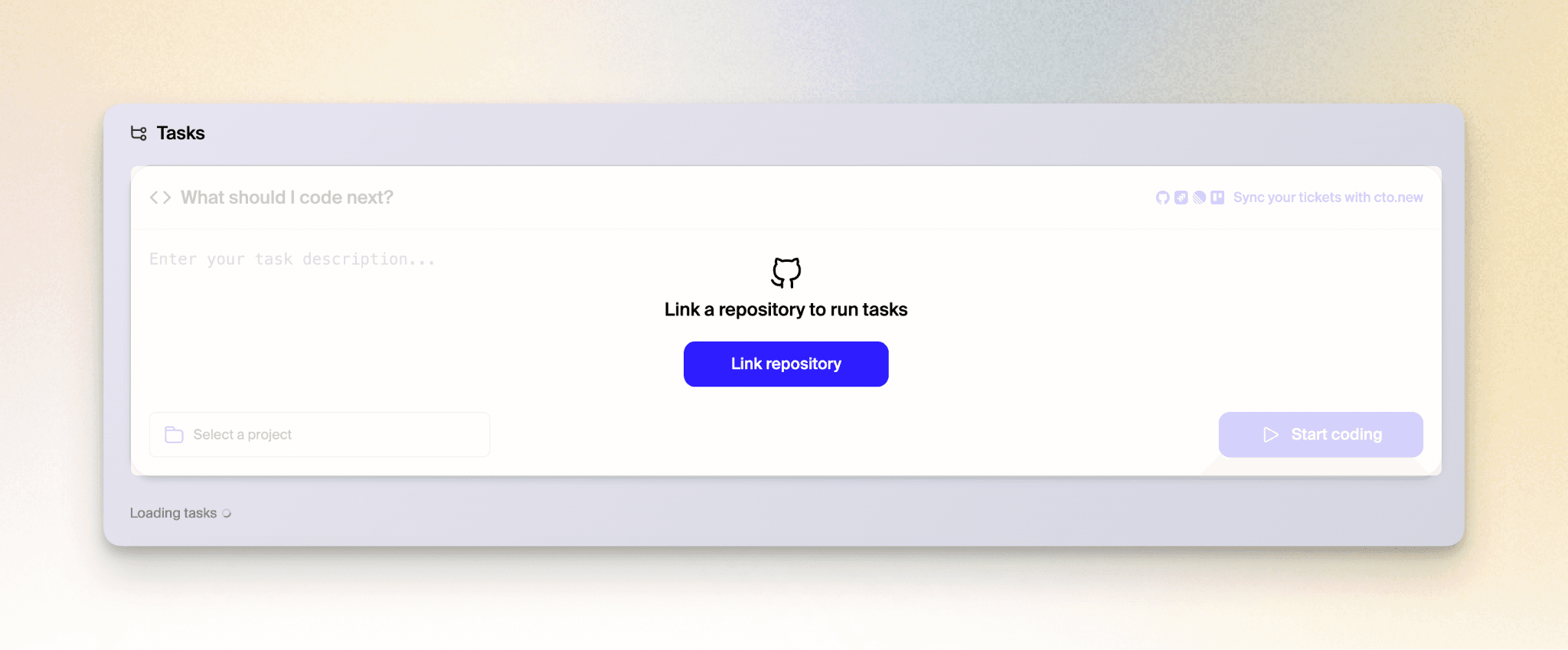
When you're ready for cto.new to actually write code, create a task. Tasks are where the magic happens—cto.new will plan the work, write the code, run tests, and open a pull request for you to review. The agent works asynchronously in the cloud, so you can assign work and move on while it handles the implementation.
You can create tasks directly from issues in your connected project management tools, or simply describe what you need built in natural language. The platform breaks down complex projects into manageable steps and executes them with context from across your entire stack.
Review and Ship
When cto.new completes a task, you'll receive a pull request ready for review. Your entire team can see the work, comment on it, and request changes just like any other PR. Approve it when you're satisfied, and ship your code faster than ever before.
The best part? cto.new gets smarter as it works with your codebase, learning your patterns, preferences, and best practices. With unlimited access to frontier AI models and deep integration across your development tools, you have a powerful teammate that works around the clock—completely free.
Ready to transform your development workflow? Visit cto.new today and experience the future of AI-assisted software engineering. And read more about how to get started in our docs.